
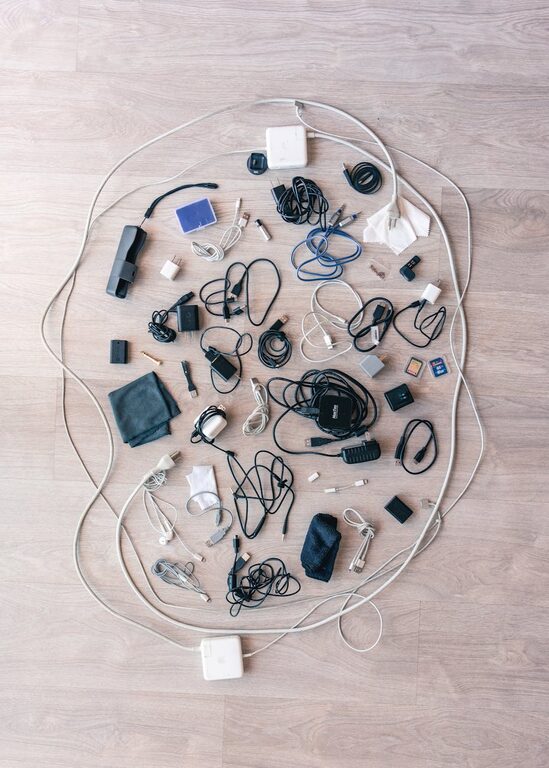
Keeping cables and chargers organized can be a challenge, especially as the number of electronic devices in our homes grows. Tangled cords not only look messy but can also be frustrating to manage and sometimes even cause damage to your gear. Fortunately, organizing cables and chargers neatly is easier than you might think. In this post, we will explore practical tips and ideas to help you declutter, store, and manage your cables effectively.
Why Organizing Cables Matters
Before jumping into solutions, it’s worth understanding why organizing cables is important:
– Reduces clutter: A clean space is easier to navigate and feels more relaxing.
– Saves time: When cables are labeled and stored properly, you can find what you need instantly.
– Prevents damage: Tangled or tightly wound cables are prone to wear and tear.
– Improves safety: Organized cables reduce tripping hazards and the risk of electrical issues.
Step 1: Gather and Sort Your Cables
Start by collecting all your cables and chargers from around the house – desks, drawers, bags, and media centers. Once gathered:
– Sort by type: Separate charging cables, USB cord types, HDMI, power cords, etc.
– Group by device: For example, keep all phone chargers together, laptop chargers separate.
– Assess condition: Toss or recycle any broken or obsolete cables to reduce clutter.
Step 2: Choose the Right Storage Method
Depending on how many cables you have and how often you use them, different storage solutions will work better.
For Frequently Used Cables
– Use a cable organizer box with slots or compartments. These boxes help keep cables untangled and handy.
– Consider a charging station or dock where you can plug in multiple devices and keep cables contained.
– Attach cable clips or holders to desks or walls to route cables neatly and prevent slipping.
For Infrequently Used or Spare Cables
– Store in small zip-lock bags or reusable pouches, labeling each with the cable type or device.
– Use binder clips or twist ties to keep cables coiled then store them in a drawer, box, or dedicated organizer.
– Consider a cable reel or spool to avoid tangling for longer cords.
Step 3: Properly Coil and Secure Cables
How you coil your cables can impact their lifespan and easy access:
– Use the over-under method to coil cables without twists or kinks.
– Avoid wrapping cables tightly around chargers or objects — this can damage the internal wires.
– Secure coils with Velcro straps, reusable ties, or rubber bands that won’t compress or cut into the cables.
Step 4: Label Your Cables Clearly
Labeling helps you quickly identify cables without unwinding them:
– Use pre-printed cable labels or write on masking tape with a permanent marker.
– Small color-coded tags or stickers can also help differentiate cables for various devices or locations.
– Keep a simple list or photo inventory if you have many cables stored away.
Step 5: Manage Cables on Your Desk or Workstation
To keep your desk neat and functional:
– Route cables through grommets or cable trays beneath your desk.
– Use magnetic clips or adhesive cable organizers to keep cables from falling behind furniture.
– Bundle related cables together using cable sleeves or wraps for a streamlined look.
Extra Tips for Maintenance
– Regularly check your cables for damage and clean them to remove dust.
– Rotate rarely used cables periodically to prevent stiffness.
– Avoid overloading power strips or extension cords and inspect for safe use.
– Declutter every few months to remove cables you no longer need.
Conclusion
Organizing cables and chargers doesn’t require elaborate tools or excessive time. With a bit of sorting, proper coiling, thoughtful storage, and clear labeling, you can keep your cables neat, functional, and easy to access. Whether at home or your office, these simple steps will save time, reduce frustration, and extend the life of your electronic accessories.
Try implementing a few of these ideas today and enjoy the difference a tidy setup can make!